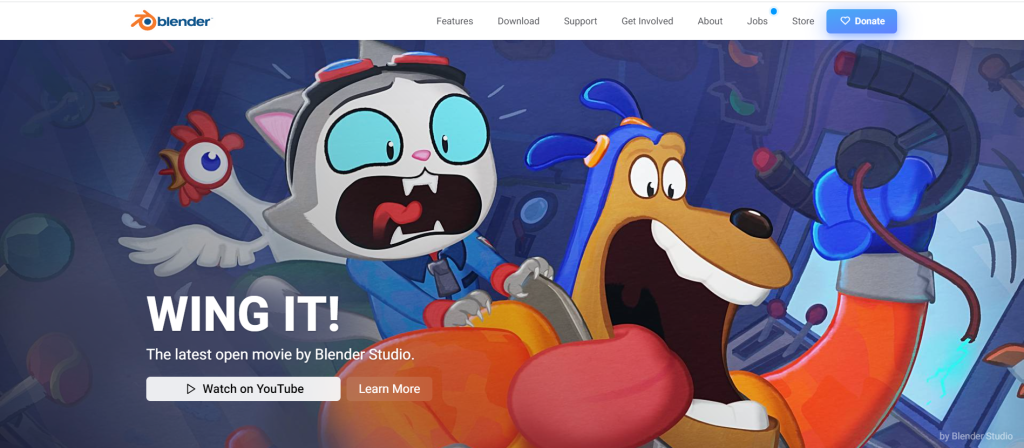

Updated May 1, 2026: Blender is a free and open-source 3D creation suite used for modelling, rendering, animation, simulation, compositing, motion tracking, video editing, and game asset creation. For businesses, it is useful when a project needs visualisation before production.
This guide explains where Blender fits in practical creative work such as event concepts, product visuals, booth renders, branded spaces, and campaign mockups.

What Blender is best used for
Blender can support the full 3D pipeline, which makes it useful for concept development and visual storytelling. It can help designers create models, scenes, lighting, cameras, materials, animation, and rendered images.
For Peasner-style business projects, Blender can help with:
- event stage concepts
- exhibition booth renders
- backdrop and photowall visualisation
- product mockups
- branded environment concepts
- motion graphics planning
- social media campaign visuals
Why businesses use 3D before production
3D visualisation helps clients see an idea before committing to fabrication, printing, installation, or filming. It gives teams a shared reference for discussion and approval.
This is especially useful when the project involves space, scale, materials, lighting, or movement. A flat design may not fully explain how a booth, stage, display, or backdrop will feel in real life.
Blender for event and booth renders
For events and exhibitions, Blender can help show how signage, counters, display walls, stages, seating, and branded structures might sit inside a space. This supports better approvals and helps production teams understand the creative direction.
For related work, see our 3D design renders guide and the Dairy Consulting exhibition booth case study.
Blender for product and campaign visuals
Blender can also help create product-style visuals when photography is not ready or when a concept needs to be previewed. This can include packaging mockups, campaign scenes, 3D icons, stylised product renders, and motion-ready assets.
These visuals can support presentations, social media, internal approvals, and early campaign testing.
When Blender may not be enough
Blender is powerful, but the tool alone does not solve the creative problem. A useful render still needs a clear brief, brand direction, scale information, reference materials, and production understanding.
For commercial projects, the render should also be checked against real-world constraints such as print size, materials, installation space, lighting, budget, and fabrication method.
What to prepare for a 3D design brief
- project goal and audience
- brand logo and colours
- floor plan or measurements
- reference images
- required signage or text
- production deadline
- budget or material limits
- output format needed: image, animation, or presentation visual
Final takeaway
Blender is valuable because it helps turn ideas into visible scenes before real-world production begins. For booths, events, product concepts, and branded environments, that clarity can save time and reduce misunderstandings.
If your business needs a 3D render, event concept, product mockup, or branded environment visual, send Peasner the brief, dimensions, logo files, deadline, and reference style.


